

Passkeys Are Replacing Passwords — What It Means for Your Business
December 8th, 2026
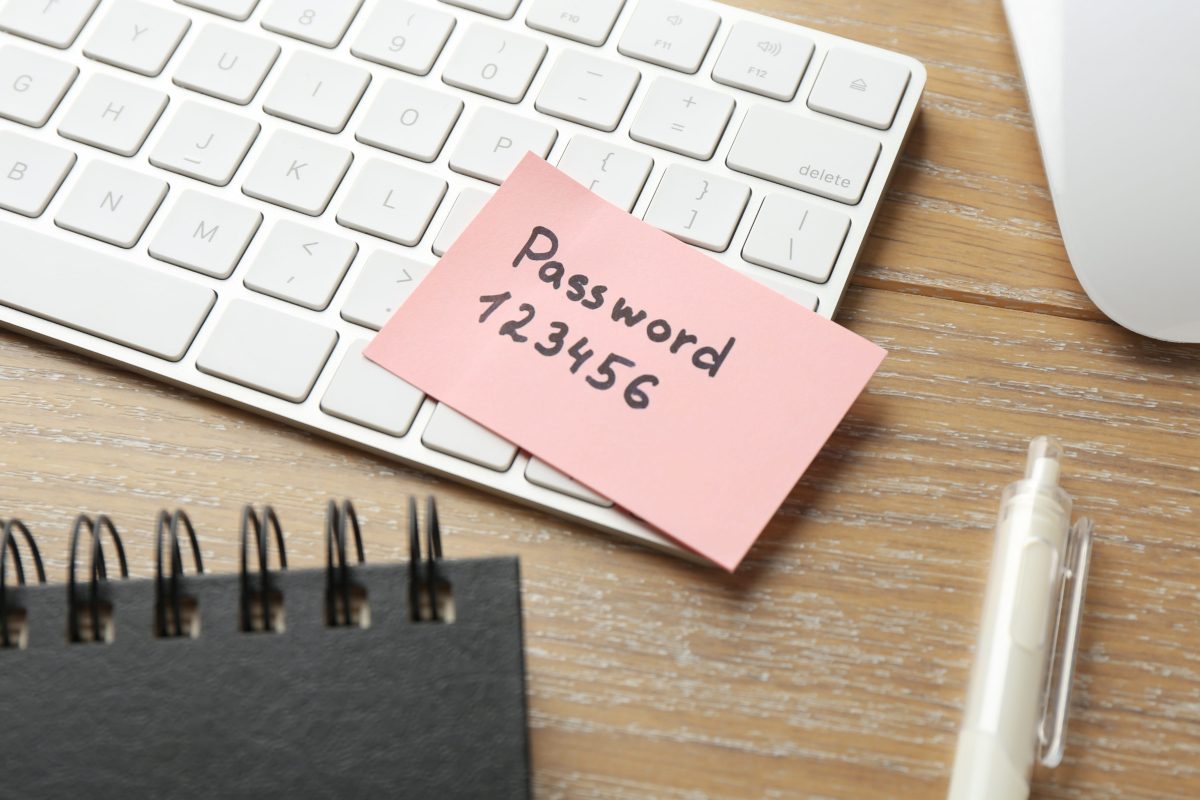
The password has had a long run. It is also the most reused, most phished, and most forgotten credential in most businesses. Passkeys are the first replacement with real backing from the platforms your employees already use.
Apple, Google, and Microsoft support passkeys across their operating systems and browsers. Microsoft 365 and Google Workspace can use them for employee sign-in today. Banks, retailers, and SaaS providers are rolling them out to customers. The direction is clear even if the transition will take years.
What a Passkey Actually Is
A passkey is a cryptographic key pair. The private key stays on the user's device or in their password manager. The public key is stored by the service. When the user signs in, the service sends a challenge, the device asks for a fingerprint, face, or PIN, and the device signs the challenge with the private key. The private key is never sent to the service.
Passkeys are built on the FIDO2 standard, which combines WebAuthn in the browser with an authenticator on the device. The sign-in is bound to the website's origin, so a credential created for your Microsoft 365 tenant cannot be replayed on a lookalike domain.
There are two practical forms:
- Synced passkeys are stored in a platform account or password manager, such as iCloud Keychain, Google Password Manager, or a business password manager. They follow the user to new devices and are designed to be end-to-end encrypted.
- Device-bound passkeys stay on one authenticator, such as a hardware security key or a platform authenticator that does not sync. They are stronger against some account-takeover paths but require a backup and a recovery plan.
Why They Beat Passwords
The biggest advantage is phishing resistance. A password can be typed into a fake login page. A one-time code can be read to a caller or relayed in real time. A passkey cannot be used on the wrong site, because the browser and authenticator check the origin before signing anything. An attacker who copies the look of your login page gets nothing usable.
Passkeys also remove the shared secret. The service stores a public key, not a password, so a breach of the service's user database does not hand attackers a credential they can reuse elsewhere. The authenticator verifies the user locally, which means possession of the device plus a fingerprint, face, or PIN. That is multi-factor authentication built into the sign-in rather than bolted on afterward.
For employees, the experience is usually faster: choose the passkey, unlock the device, done. For IT, the payoff is fewer password resets and fewer reused credentials across personal and business accounts.
What Passkeys Do Not Fix
Passkeys raise the bar for sign-in. They do not make an account invulnerable.
- Recovery is still the weak point. If an attacker can reset the account through a weak recovery email or a phone number, the passkey does not help. Protect recovery methods with strong MFA, remove SMS as the only fallback, and give administrators a recovery process that verifies identity properly.
- Legacy applications may not support them. Line-of-business software, older VPNs, local Windows logins, and some industry systems still use passwords. A password manager with unique credentials remains necessary for that long tail.
- Shared accounts are a poor fit. Passkeys are designed for one person. Shared mailboxes, service accounts, and generic logins still need a vault, rotation, and strict ownership.
- Lost devices need a plan. Synced passkeys can be restored through the platform account. Device-bound keys need a spare security key stored securely. Without that, a lost laptop becomes an account-recovery incident.
- Malware and session theft still matter. A passkey protects the sign-in, not an already-open session. Infostealers can steal session cookies, and a compromised endpoint can act as the user. Endpoint protection, patching, and conditional access remain part of the stack.
- Compliance rules may not be ready. Some regulated environments still require a password fallback or a specific authenticator type. Check the authentication assurance level your policy or regulator requires before making passkeys mandatory.
How to Roll Passkeys Out
Start with the identity provider that controls the most sign-ins. For most businesses, that is Microsoft Entra ID, Google Workspace, or a single sign-on platform. Enable passkeys there first, because one integration covers every application behind SSO.
- Inventory the identity surface. List the identity providers, SSO-connected apps, and the applications that still have their own passwords. Note which ones support WebAuthn and which do not.
- Pilot with administrators and high-risk users. IT administrators, finance, and executives are the accounts an attacker most wants. Give them hardware security keys or platform passkeys before the general staff.
- Choose the authenticator policy by role. Synced passkeys are convenient for most employees. Hardware keys are appropriate for administrators and anyone who can approve payments or change security settings. Issue two keys per person and store the backup separately.
- Keep a controlled password fallback during the transition. Do not lock users out on day one. Allow a temporary password path with MFA, monitor its use, and remove it when adoption is stable.
- Harden recovery before you enforce. Update the help desk's identity-verification script. A caller who convinces the help desk to reset the account can bypass the passkey entirely. Require a callback or manager approval for recovery.
- Plan for device lifecycle. Wiping a laptop removes device-bound passkeys. Synced passkeys depend on the security of the cloud account that stores them. Include both in onboarding, device replacement, and offboarding.
- Train users on the prompt. Tell them what a passkey prompt looks like, that it should only appear when they are signing in, and that they should report an unexpected prompt instead of approving it.
- Measure adoption and keep the long tail visible. Track passkey enrollment, sign-in success, help-desk resets, and the applications still relying on passwords. Review the list each quarter.
Passwords Are Not Disappearing Yet
Most organizations will run a hybrid model for years: passkeys for the identity provider and SSO apps, passwords in a manager for legacy systems, and hardware keys for the accounts that matter most. That is a reasonable destination, not a failure.
The practical goal is to make passkeys the default for new accounts and new applications, then shrink the password surface over time. A password manager with unique credentials, MFA everywhere it is supported, and a recovery process that cannot be talked around are still part of the program.
At BTS Technologies, our cyber security services help businesses tighten identity without breaking the way people work. For more on the credential side, see our guidance on password protection policies and password management. If you are planning a Microsoft 365 or Google Workspace rollout, our team can map the applications that need a fallback before enforcement begins.
Ready to move your first group to passkeys? Contact our team for an identity and access review.
Posted in: Cyber Security